Products
Tutorial
Blog
Faqs
Partner
Rippton Fishing Tutorials
Home
Support
CatchX Mini GPS
Bite Keeper
Silver Bullet
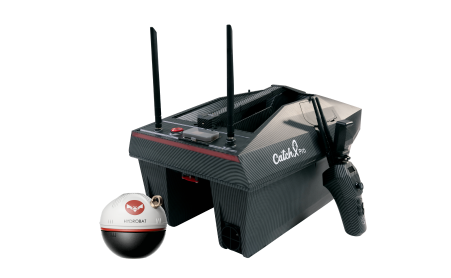
catchx pro
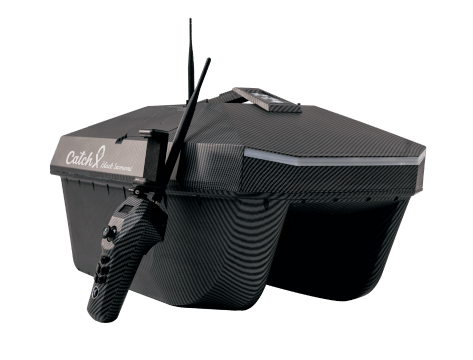
Black Samurai
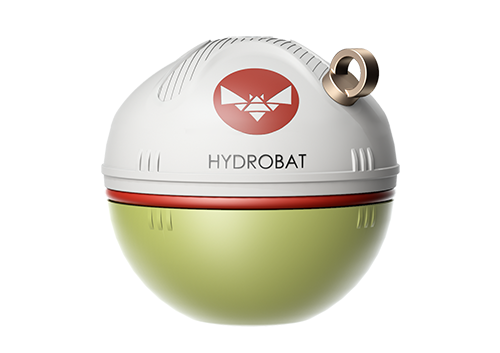
Hydrobat
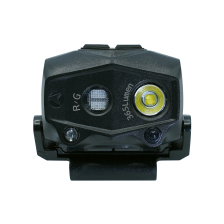
STELLARLIGHT δ 365 HEAD LIGHT
sharkx
catchx
lure mate
Meet Your CatchX Mini GPS
Learn the how to use the CatchX Mini GPS and the Rippton app.
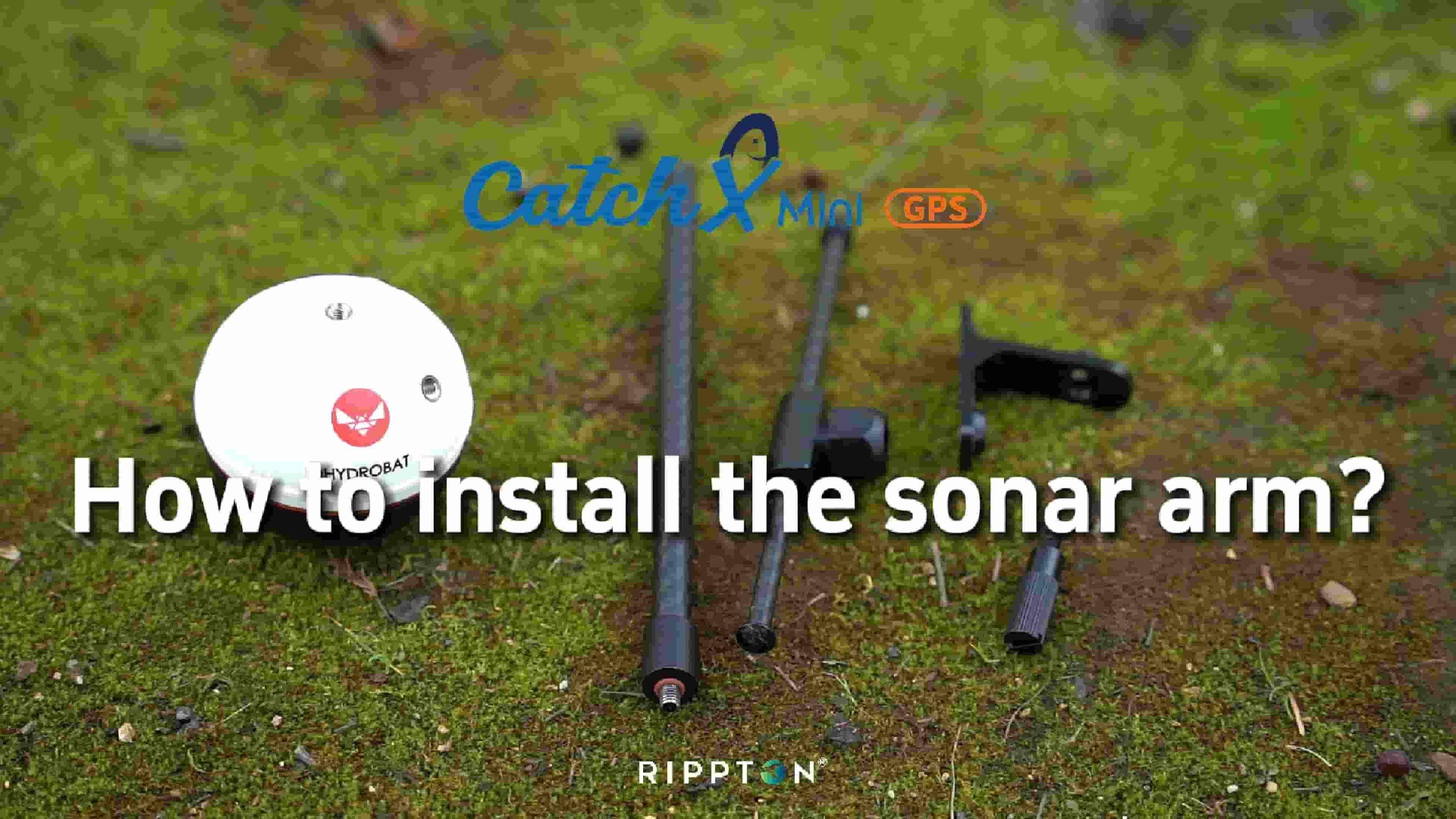
(1 of 28)
How to install the sonar arm?
0:37
(2 of 28)
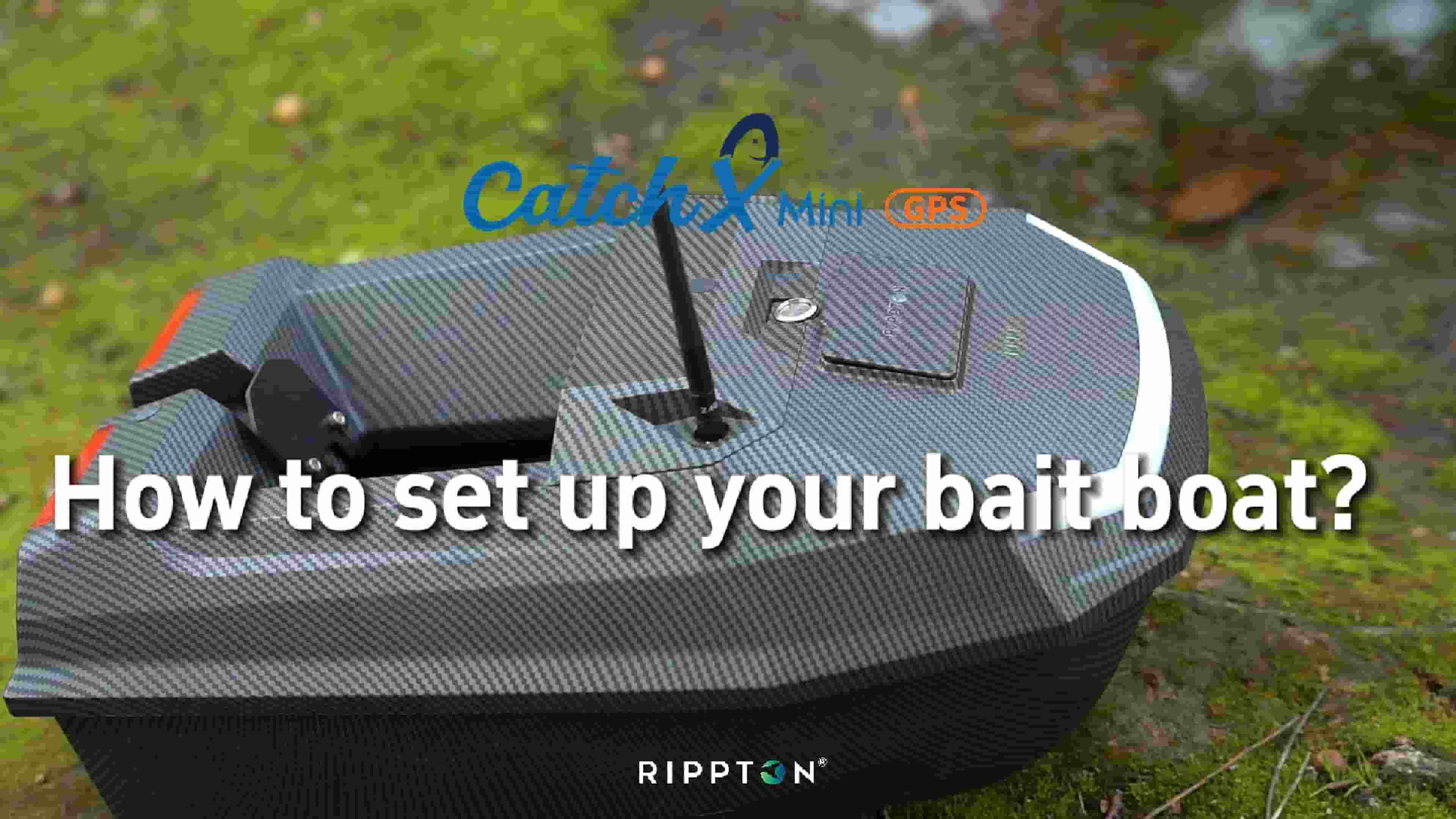
How to set up your bait boat?
0:20
(3 of 28)
How to charge the boat and the handset?
0:25
(4 of 28)
Button introduction of the handset
0:12
(7 of 28)
How to start the bait boat?
0:15
(8 of 28)
How to calibrate the bait boat by handset?
0:36
(9 of 28)
How to turn on / off the indicators?
0:16
(10 of 28)
How to set a bait-dropping task by handset?
1:24
(11 of 28)
How to set the home point?
0:35
(12 of 28)
How to exit auto mode and control the boat manually?
0:13
(13 of 28)
How to activate cruise control?
0:15
(14 of 28)
How to download the APP?
0:15
(15 of 28)
How to connect to the APP?
0:29
(16 of 28)
APP Interface Introduction
0:11
(17 of 28)
How to turn on/off learner mode?
0:20
(18 of 28)
How to set the low-battery voltage?
0:10
(19 of 28)
How to Switch the Voice Pack?
0:18
(20 of 28)
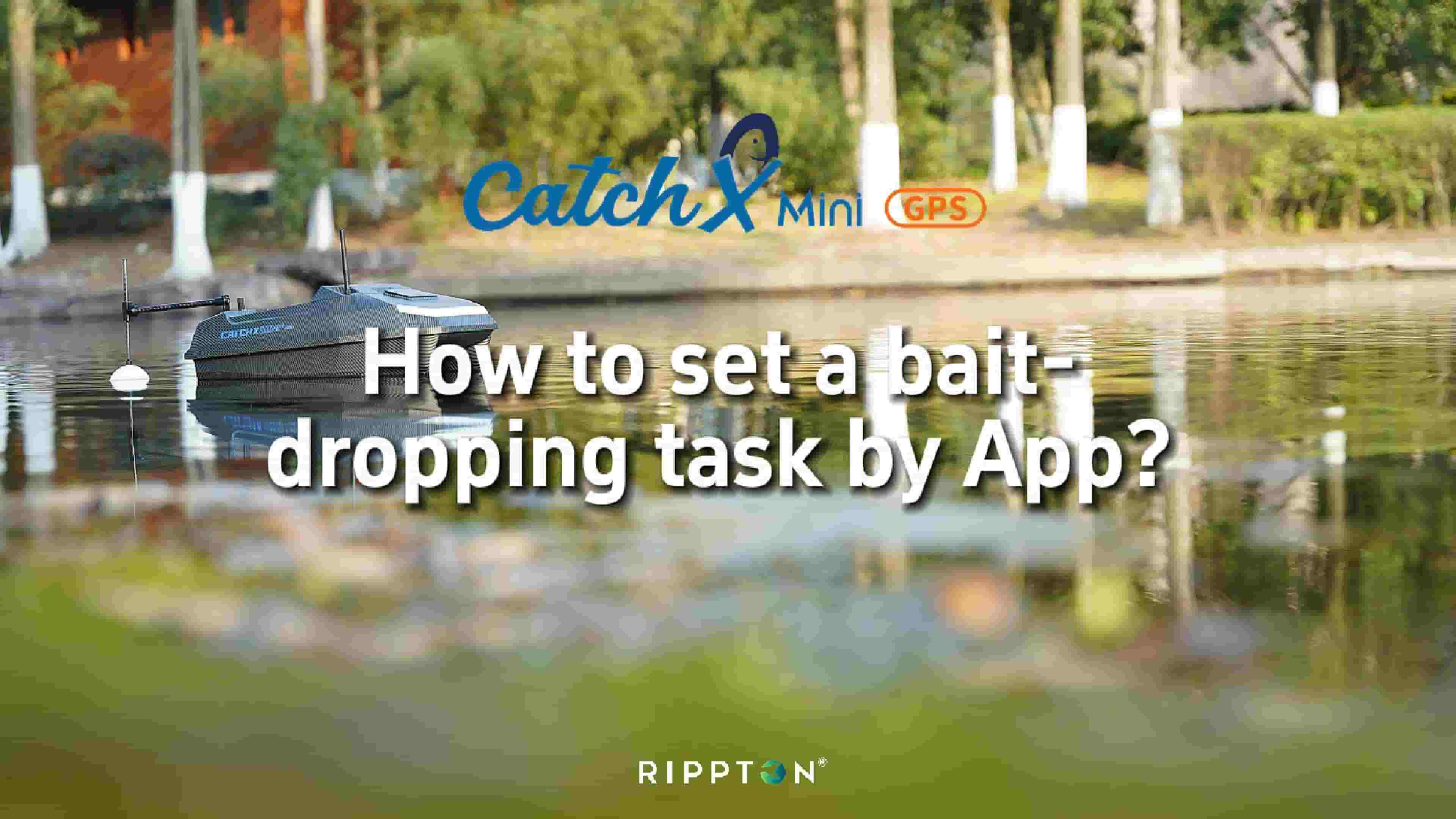
How to set a bait-dropping task by App?
1:04
(21 of 28)
How to mark a spot?
0:12
(22 of 28)
How to view and edit a spot?
0:46
(5 of 28)
How to take over control of the boat?
0:19
(23 of 28)
How to Use CatchX Mini GPS Bait Boat with Third-Party Sonar
2:31
(24 of 28)
Handset Setup Instructions
1:02
(25 of 28)
How to Enable and Disable the Electronic Anchor Function?
0:35
(26 of 28)
How to Delete Point A/B?
0:23
(27 of 28)
How to Disable the Spot-Marking Trigger
0:18
(28 of 28)
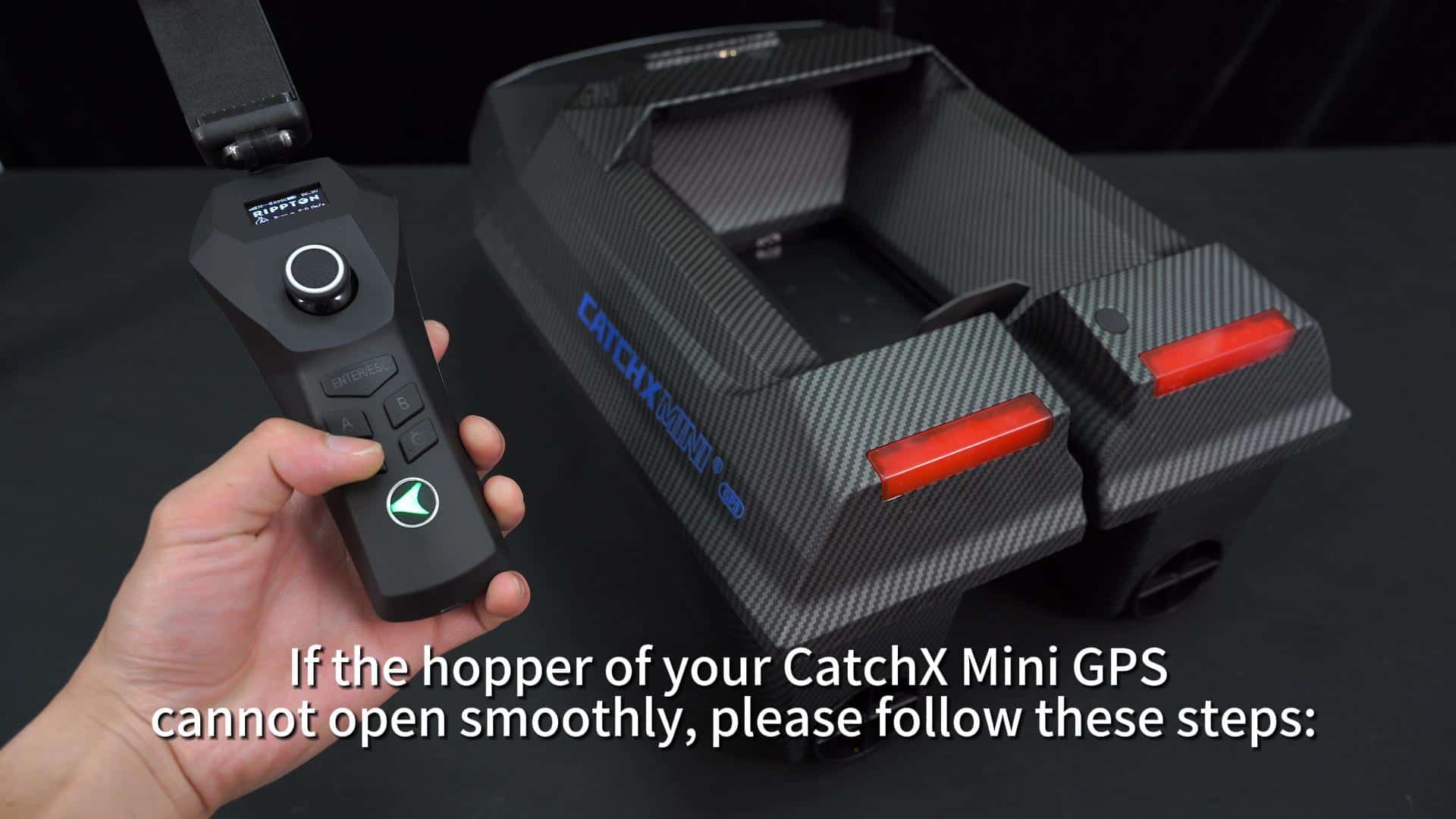
Hopper Maintenance Tips
0:30
(6 of 28)
How to switch between Bluetooth and Wi-Fi for boat connection?
0:41
Q&A